Budgeting guide

Zero-Based Budgeting Apps: Features, Costs & How to Choose

Managing money becomes easier when you have a clear plan for every dollar you earn. A zero-based budgeting app can help you organize your income, plan expenses, track savings, and make informed decisions about your finances. Instead of wondering where your money went at the end of the month, you can give each dollar a specific purpose before spending it.

The right budgeting tool depends on your financial goals, preferred budgeting method, and how much automation you need. This guide explains how zero-based budgeting works, explores tools worth considering, and highlights the features to compare before choosing an app.

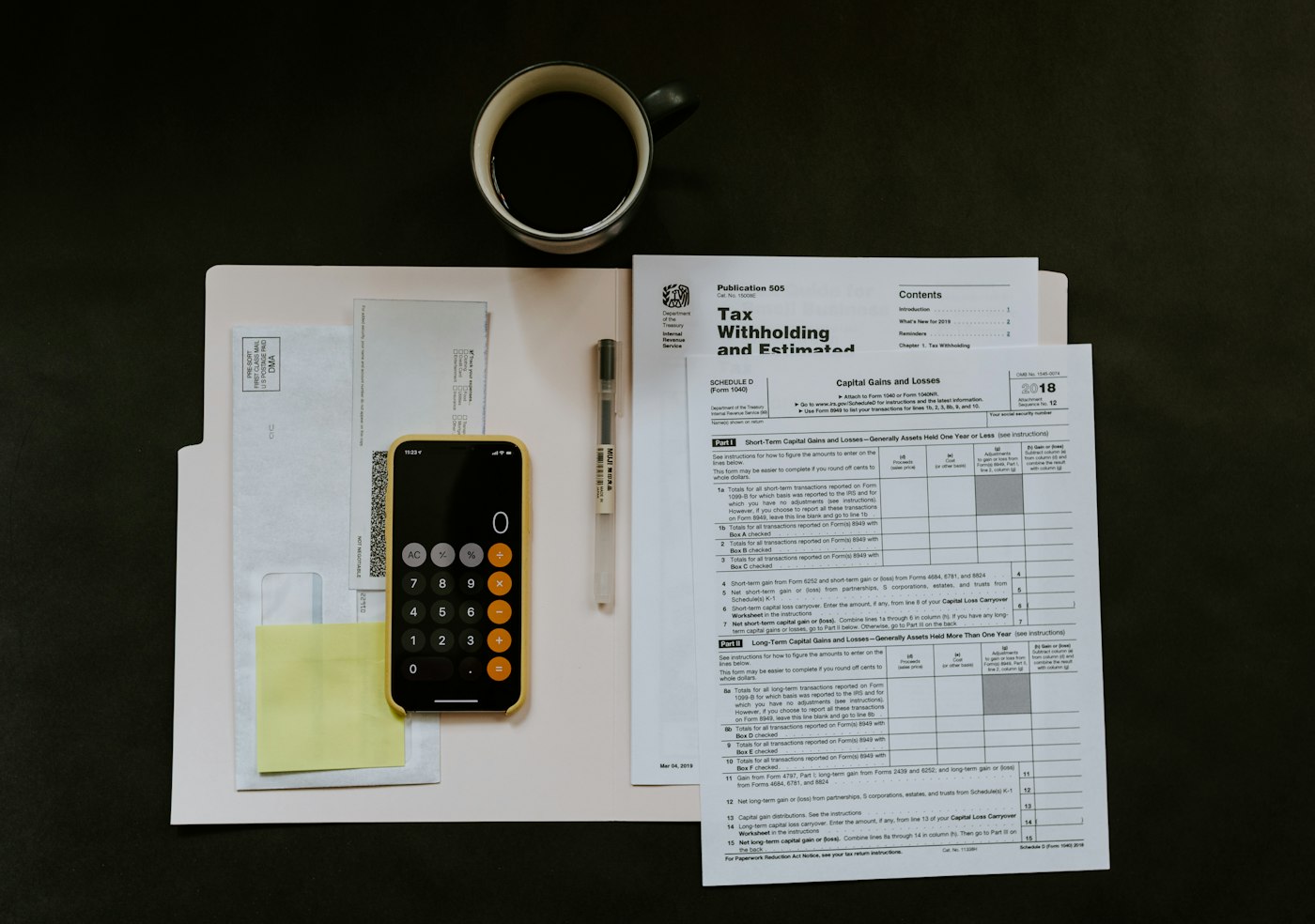
Organized budgeting workspace with a laptop, phone, calculator, and planning notebook

WealthEdge field guide

Budgeting guide Zero-based

01 / The method

What Is Zero-Based Budgeting?

Zero-based budgeting is a budgeting method in which you assign your expected income to expenses, savings, debt payments, and other financial priorities until every dollar has a planned purpose. Your remaining unallocated balance should be zero.

This does not mean you must spend all your money. Savings contributions, emergency funds, and extra debt payments can all receive an allocation.

For example, suppose your monthly take-home income is $3,000. You could create a plan like this:

Budget Category Monthly Allocation
Housing and utilities$1,200
Groceries$350
Transportation$200
Debt payments$300
Savings$500
Insurance and other bills$250
Personal spending$200
Total Allocated$3,000
Money Left Unallocated$0

This approach helps you understand where your income is going before you spend it. You can adjust the amounts as your circumstances change, provided your overall budget remains balanced.

02 / The workflow

How Does a Zero-Based Budgeting App Work?

A budgeting app can make this method easier to manage by bringing your budget categories, transactions, and financial goals into one place. Depending on the app, you may be able to connect financial accounts or enter transactions manually.

Here is how the process generally works:

  1. Enter your expected income: Start with your take-home pay and any other income you expect to receive during the budgeting period.
  2. List your expenses: Include recurring bills, everyday spending, debt payments, and less frequent expenses.
  3. Assign every dollar a purpose: Allocate money across your spending categories, savings goals, and other priorities until no income remains unassigned.
  4. Track your transactions: Record purchases and payments to see how your actual spending compares with your plan.
  5. Review and adjust: Update category amounts when expenses change or unexpected costs arise.

The exact workflow varies by provider. Some tools emphasize assigning money to categories, while others focus more on transaction tracking and overall financial visibility.

03 / Tools to review

Zero-Based Budgeting Apps to Consider

Not every budgeting app follows the zero-based method in the same way. Before choosing a tool, check whether its budgeting workflow supports assigning your available income to specific priorities.

01

YNAB

YNAB is a budgeting tool built around giving your money a specific job. Its approach closely aligns with zero-based budgeting because users plan how to allocate available funds across expenses and financial priorities.

It may suit people who want a structured budgeting routine and are willing to review their categories regularly.

What to consider:

  • A budgeting approach focused on planning how available money will be used.
  • Tools for organizing spending categories and financial priorities.
  • A learning process for people new to this budgeting method.
  • Subscription costs and the current terms of any trial or offer.

Check the provider's official website for current features and pricing: https://www.ynab.com/

02

EveryDollar

EveryDollar is a category-based budgeting tool that can help users plan income and expenses. It may be worth considering if you prefer to organize your budget into clear categories and review your spending against a monthly plan.

Before choosing it specifically for zero-based budgeting, verify the current features and workflow available under your selected plan.

What to consider:

  • Category-based budget planning.
  • Available manual budgeting and transaction-tracking options.
  • Differences between free and paid plans.
  • Current pricing, account-connection features, and plan restrictions.

Check the provider's official website for current details: https://www.ramseysolutions.com/ramseyplus/everydollar

03

Monarch Money

Monarch Money is a personal finance tool that provides a broader view of your finances, including budgeting and financial tracking features. It may be useful if you want to monitor multiple aspects of your financial life in one place.

However, a general budgeting tool is not automatically the same as a dedicated zero-based budgeting app. Review its current budgeting workflow to determine whether it matches the method you want to follow.

What to consider:

  • Overall financial tracking and budgeting capabilities.
  • Available account connections and transaction features.
  • Subscription pricing and current plan terms.
  • Whether its budgeting workflow meets your specific zero-based budgeting needs.

Check the provider's official website for current details: https://www.monarch.com/

04

A Spreadsheet or Manual Budget

You do not necessarily need a dedicated app to use zero-based budgeting. A spreadsheet in Excel or Google Sheets can help you assign income to expenses, savings, and debt payments.

A spreadsheet may be suitable if you prefer customization and do not mind updating transactions and totals yourself. However, it may require more manual maintenance than an app with automated account connections.

04 / At a glance

Quick Comparison of Budgeting Options

Comparison overview · Swipe to compare on mobile →

Tool General Approach Best Fit to Consider Monthly pricing Annual pricing Free option or trial
YNAB Structured, money-allocation budgeting People who want a dedicated budgeting routine $14.99 $109/year 34-day trial
EveryDollar Category-based budget planning People who prefer a straightforward category system $17.99 Premium $79.99 Premium Free version + 14-day Premium trial
Monarch Money Broader personal finance tracking and budgeting People seeking a wider financial overview $14.99 Core $99.99 Core; $199.99 Plus 7-day trial
Spreadsheet Custom, manually maintained budget People who want flexibility and control $0 if using a free tool $0 if using a free tool Free manual option

Features, account compatibility, plan restrictions, and pricing can change. Verify current information directly with each provider before making a decision.

05 / Cost

Free vs. Paid Zero-Based Budgeting Apps

A free tool may be enough if you want to create a basic budget, assign income to categories, and review your spending manually. Paid apps may offer additional conveniences, but the value depends on which features you will actually use.

Before choosing a budgeting tool, check the following:

  • Budgeting features: Can you assign all available income to expenses, savings, and financial goals?
  • Account syncing: Does the plan support connections to your financial institutions, if you need them?
  • Transaction tracking: Can you import transactions or will you need to enter them manually?
  • Customization: Can you create categories for irregular expenses and personal priorities?
  • Cost: Is there a recurring subscription, a limited free plan, or a trial that converts to a paid subscription?
  • Privacy and security: Review the provider's privacy policy, security information, and account-access practices.

Do not choose an app based on a free trial alone. Confirm what happens when the trial ends and which features remain available under the plan you intend to use.

06 / Your checklist

How to Choose the Right Zero-Based Budgeting App

The right tool should make your budget easier to follow, not create unnecessary work. Consider these factors before making a decision.

01

Check Its Budgeting Method

Look for a workflow that lets you assign available income to specific categories and financial priorities. If you want to follow zero-based budgeting, general expense tracking alone may not be sufficient.

02

Compare the Total Cost

Review the current subscription price, billing frequency, trial conditions, and plan limitations. A more expensive app is not automatically better for your needs.

03

Decide Whether You Need Automatic Account Connections

Some users prefer transactions to sync automatically, while others are comfortable entering purchases manually. Choose the approach that fits your routine and comfort level.

04

Look for Flexible Budget Categories

Your budget should accommodate fixed bills, everyday spending, savings, debt payments, and irregular costs such as annual insurance premiums or car repairs.

05

Consider Ease of Use

A budgeting method works best when you can maintain it consistently. Look for a tool with a clear interface and a review process you can realistically follow each week.

06

Review Privacy and Security

Understand what financial information the app collects, how it uses that information, and what account permissions it requests. Review the provider's current policies before connecting financial accounts.

07 / App or spreadsheet

Zero-Based Budgeting App vs. Spreadsheet

Both an app and a spreadsheet can help you follow zero-based budgeting. The main difference is how much automation and manual maintenance each option requires.

Comparison overview · Swipe to compare on mobile →

Feature Budgeting App Spreadsheet
Setup Depends on the app and its workflow Requires you to create or adapt a template
Customization Varies by provider Often highly customizable
Transaction tracking May include automatic syncing Usually requires manual entry or custom setup
Maintenance Depends on automation and regular reviews Often requires manual updates
Cost May require a subscription Can be free with an available spreadsheet tool
Flexibility Limited to available features Can be adapted to individual preferences

Choose an app if you value convenience and want budgeting features in one place. A spreadsheet may be more appropriate if you prefer complete control over your categories and calculations.

08 / Watch-outs

Common Zero-Based Budgeting Mistakes to Avoid

Even a useful budgeting tool cannot replace a realistic plan. Avoid these common mistakes:

  • Forgetting irregular expenses: Plan for annual bills, repairs, gifts, and other expenses that do not occur every month.
  • Setting unrealistic limits: Base your categories on actual spending patterns rather than amounts that are difficult to maintain.
  • Leaving savings out of the budget: Treat savings contributions and emergency-fund goals as planned allocations.
  • Ignoring changes in income: If your income varies, budget according to the money available and update your plan as additional income arrives.
  • Failing to review transactions: Check your spending regularly and correct category balances when necessary.
  • Assuming every app follows the same method: Confirm that the app supports the budgeting process you intend to use.

A consistent review routine can help you identify problems early and make adjustments before they affect your other financial priorities.

09 / Questions

Frequently Asked Questions

What is the best zero-based budgeting app?

The best option depends on your preferred budgeting method, required features, and budget for software. Compare the current features and costs of tools such as YNAB and EveryDollar, and verify that the budgeting workflow matches your needs.

Is zero-based budgeting suitable for beginners?

Yes. Beginners can start with a simple list of income and expenses, allocate money to essential bills and savings, and adjust the plan as they learn their spending patterns. An app or spreadsheet can help organize the process.

Can I use a free zero-based budgeting app?

You may be able to use a free tool or spreadsheet to manage a zero-based budget. However, some apps restrict account syncing or other features to paid plans. Check the provider's current plan details before signing up.

Does zero-based budgeting mean spending all my money?

No. It means assigning your income a purpose. Savings, emergency funds, debt payments, and future expenses can all receive allocations. The goal is to leave no money unassigned, not to spend everything.

How can I use zero-based budgeting with irregular income?

Start with the income currently available to you and prioritize essential expenses. As additional income arrives, allocate it according to your needs and goals. Keep a buffer for expenses that are difficult to predict.

Is a budgeting app the same as an expense-tracking app?

Not necessarily. Expense tracking helps you record and review transactions. A zero-based budgeting tool should also support planning how available income will be allocated across expenses, savings, and other priorities.

How is zero-based budgeting different from the 50/30/20 rule?

The 50/30/20 rule is a general framework that divides after-tax income into needs, wants, and savings or debt repayment. Zero-based budgeting assigns available income to individual budget categories and priorities until no money remains unallocated. The approaches can be adapted to different financial situations.

10 / Next step

Compare Budgeting Tools on WealthEdge

Choosing a budgeting tool starts with understanding your financial goals and the features you need. Compare different budgeting approaches, review available features and costs, and select a method you can maintain consistently.

Explore the WealthEdge budgeting guide to review budgeting tools and compare options for your needs.

Compare Budgeting Apps on WealthEdge

Disclaimer: This content is for informational and educational purposes only and is not personalized financial advice. Product features, availability, pricing, and terms can change. Verify details with the relevant provider before making a decision.